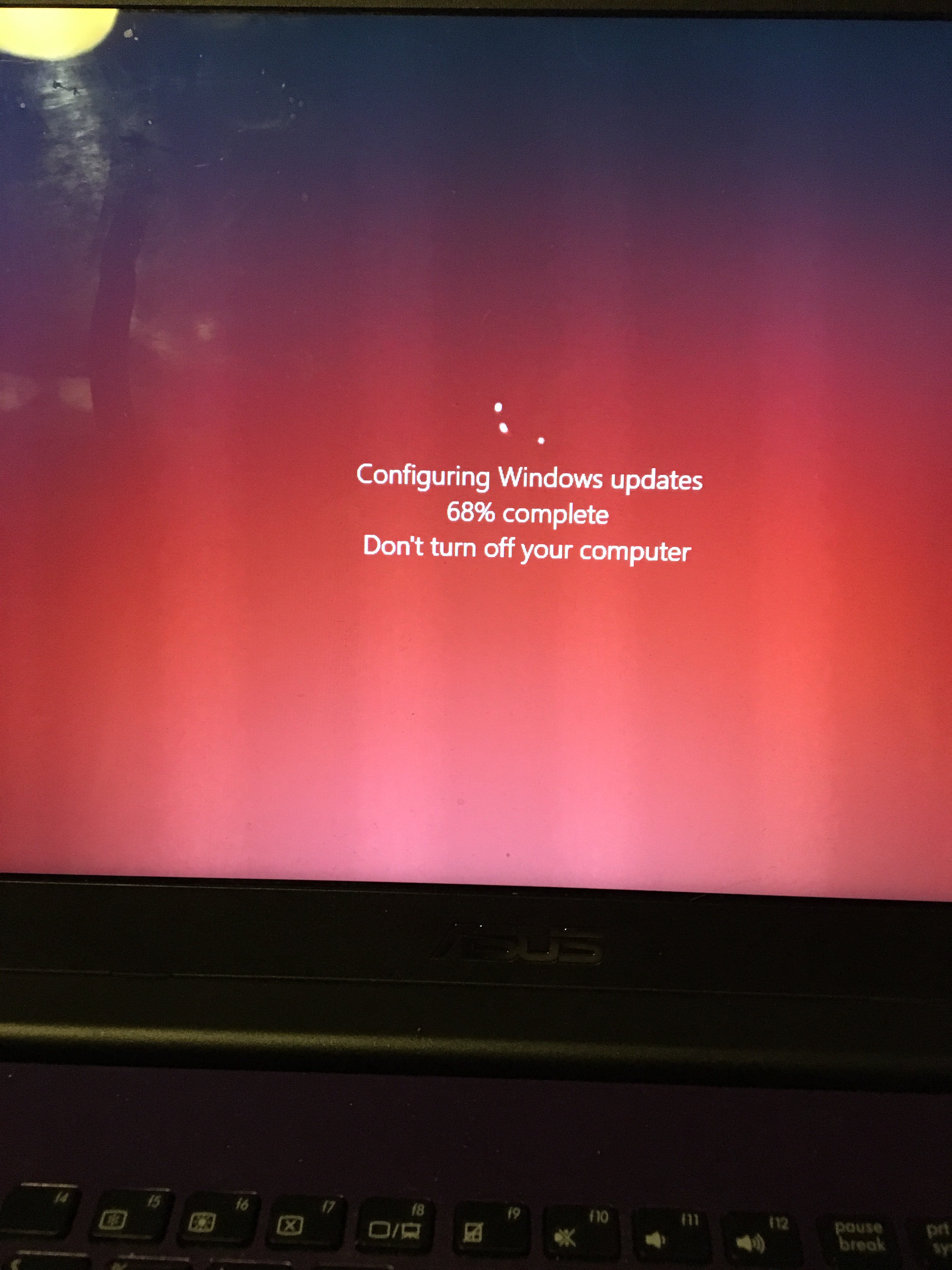
So, after all my problems a few days ago with my computer getting stuck on an update, it eventually righted itself. Kind of. I searched various websites for a solution, to get my computer out of being stuck in a Windows Update, and the advice was just to let it run. As I couldn’t reset the computer at all, like it wouldn’t even go into the boot menu. So I left it, and went and watched a movie. Now, I don’t like leaving computers running unattended, but I sat it on the table, and let it run it’s course. A couple hours later, I found that the screen had changed, but instead of ‘installing updates’ on the screen, it said ‘update failed, removing changes’, or something like that. But it restarted a few times, and booted up as normal.
And, this is the first day since all that, that I have been able to switch it back on properly to use, and well… it is slow. Really slow. I can only think it is the broken update that has made it so bad. But, it could be a range of things. Sometimes, with the joys of mobile phones and my general laziness, I probably don’t give the computer as much of an opportunity to update itself, as much as I should. Which I am aware is breaking the first rule in the ‘how operate a safe computer’ manual. It sometimes just takes so long, and I don’t really have the time. It sometimes feels like a hassle.
Microsoft does put out a lot of regular updates, for various reasons. It could be something that can simply make the operating system on your computer work more efficiently, as there are a lot of software engineers who spend every day trying to make things work better. I am still waiting for that update which will stop Windows hogging up my CPU, but that’s another issue. And one of the biggest reasons that software gets updated regularly, from mobile games to shopping apps to operating software is for security. Especially when every device we use daily, connects to the internet. And that is part of the problem.
It is very easy to think of the internet as an static, non-moving thing. The very concrete, reliable, sturdy ‘information super-highway’. It is almost reassuring, that we can get everything we need from some massive electronic motorway. Except, that’s not quite true. The internet is more like a flowing river, than a motorway. Yes, it has a path, and it can give so much information to everyone. But that river won’t stay the same. Every bend the water takes, it erodes the riverbank. The current takes earth downstream. The current changes, and batters all kinds of obstacles. You can always rely on the river of the internet to be there, but it is never the same every time you visit. It is always changing.
There are people all over the world who are hired to poke holes in the internet. Trying to find ways to manipulate something or other. Because if someone finds a way to exploit our internet connection, it could be a way to collect our information. And the information held on the internet, that we can access through multiple devices, can all be exploited. For example, if someone finds your Facebook details, they could find a way into your Amazon account, and access your bank details. If you use an unsecured connection, and open your banking app, someone could track your activity and get your bank details. But these exploits are constantly changing. Almost as if someone plugs one hole, water starts leaking from another. So what is a big risk today, in terms of internet security, may not be in even a few months time. So, updates to devices that connect to the internet, can help you protect all your information. As every update, of every app, has been created to try and fix any issues which could effect your security.
Which makes me wonder, I am sitting here, writing this post, on a PC that is slow as anything. And it is probably my own fault. Having multiple devices, I should probably know better. I am going to work over the next few days to fix the speed on this computer, and hopefully, I shall then get in the habit of using the computer regularly enough that the updates can actually run properly.


 sueriot.com